Be the one who knows what to do.
S.O.S. is software you download and keep on a drive you own. A whole library of survival know-how, plus a helper that answers your questions, all working with no internet.
Digital download. Nothing ships. You set it up on your Windows or Mac computer, then every phone in the house opens it through your Wi-Fi router.
Launch price. Goes to $97 on January 1, 2027.
Reading this on your phone? S.O.S. installs on a computer, then your family uses it from their phones through your Wi-Fi router. Buy now, or get the link emailed for when you're at your computer.
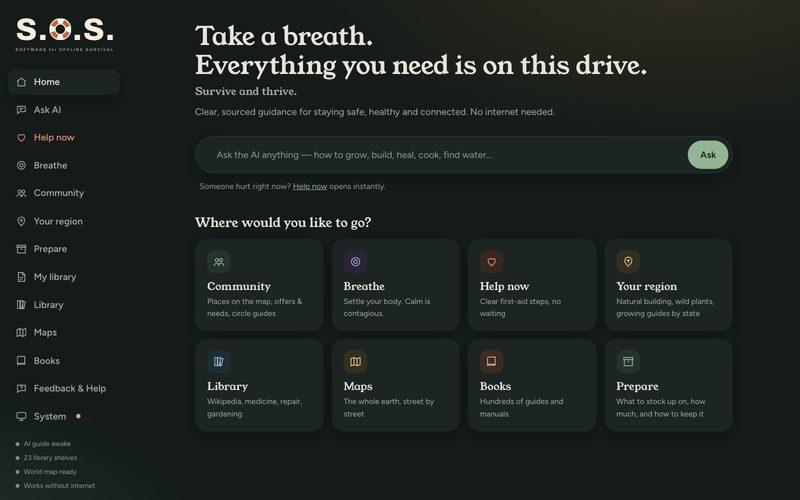
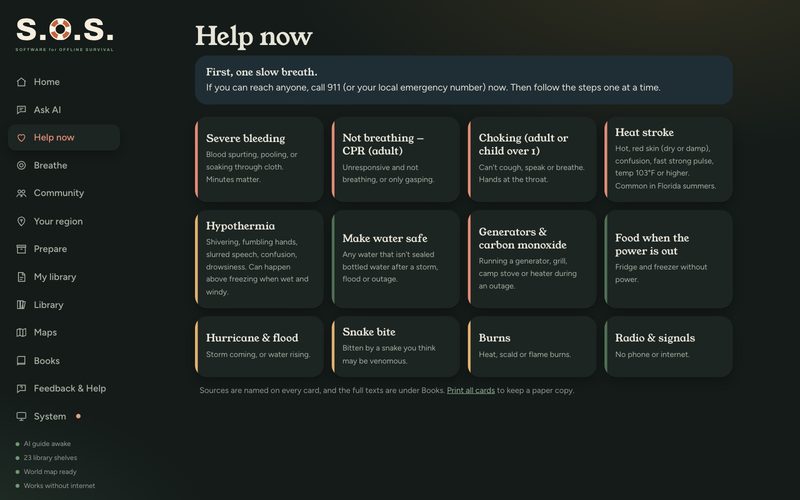
What you get for $47
- The S.O.S. software. An instant download link by email, about 2 GB.
- Your licence key for your whole household, with free updates for life.
- The library, downloaded once over the internet: start with the core 10 GB, add up to the full 550 GB whenever you like.
- A step-by-step setup guide.
- No physical drive in the mail. You use your own USB drive, external SSD or your computer's disk.
See it in 90 seconds
A quick tour of the app, start to finish.
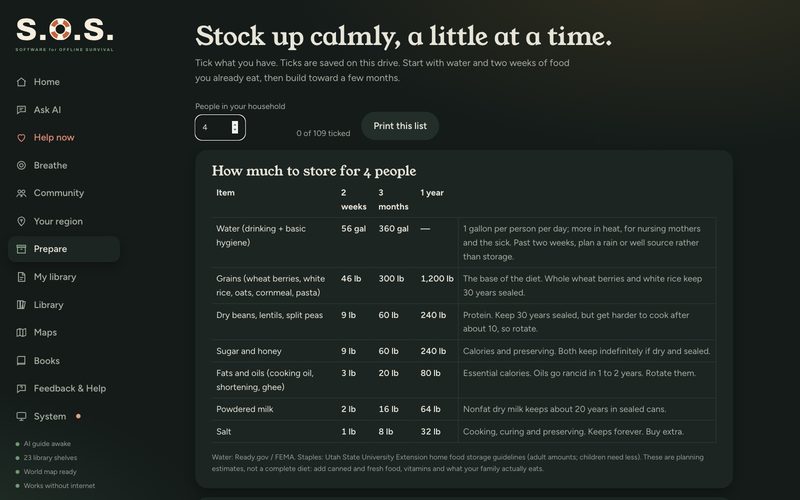
What's inside
Install as much or as little as you like. The core library fits on most computers' own drive.
Works without the internet
Everything runs on your own computer. You need the internet only to download it and get updates.
Every phone in the house
While it runs on one computer, phones open it through your Wi-Fi router. The router only needs power, not an internet plan.
Sources on every answer
Help now cards are written in our own words from public guidance (CDC, the Red Cross and others), and each one names its sources.
How it works
Download it
Buy, and your download link, licence key and setup guide arrive by email.
Put it on your drive
Copy it to a USB drive or external SSD you own, double-click Start, and choose which libraries to save. Do this while you still have internet: the big libraries take hours to a couple of days.
Use it anywhere, offline
Plug the drive into any computer. Every phone and tablet in the house connects through your Wi-Fi router. The router just needs power, not internet.
Needs Windows 10 or 11 (64-bit) or macOS 14 Sonoma or newer. The helper needs 8 GB of memory; the library and maps work on less.
Have the answers before you need them.
Launch price until January 1, 2027, then $97. 30-day money-back guarantee, no questions asked.
Digital download, nothing ships. 30-day money-back guarantee: if S.O.S. isn't right for your family, email us and we'll refund you (refund policy). Secure checkout by Stripe. Buy on your phone now and set it up on your computer later: the link waits in your email.
Getting ready can be the good part
The same library that helps in a hard moment is full of things worth doing on an ordinary Saturday.
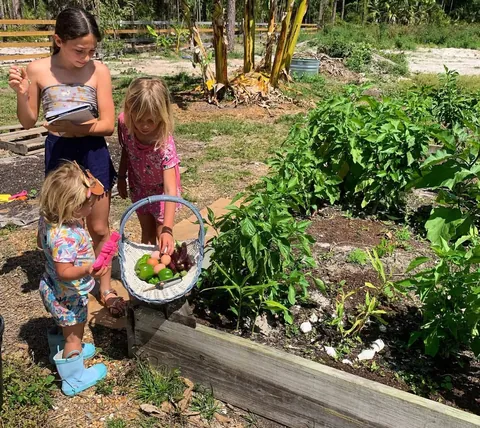
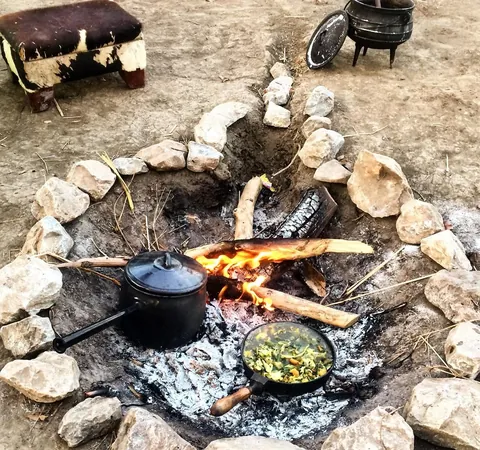

Made by a homesteader, not a tech company
I'm Matteo. I was raised in Africa and built a homestead in the bush of Zambia, where help can be far away. Out there I learned that knowing how is a kind of freedom. S.O.S. is the library I wanted for my own family.
Questions before you buy? Email me at systems@beyondorganicstudios.com. I read every one.
Read our storyQuestions
Do I need the internet?
Can my family use it on their phones?
What if the power is out?
Do I need to be good with computers?
Can I trust the answers?
What if it isn't right for me?
More questions, where everything comes from, and what S.O.S. can't do →
Start with the free checklist
The 126-item Prepare list and the Help now cards, ready to print and work through together.